We’ve Increased Storage Across Plans
We’ve increased storage across Seedr plans — up to 5x more space, more flexibility, and fewer limits.

We’ve increased storage across Seedr plans — up to 5x more space, more flexibility, and fewer limits.

Compare FTP, FTPS, SFTP and WebDAV for NAS cloud storage: speed, security, resumable transfers and firewall setup, with the pick for each use case.
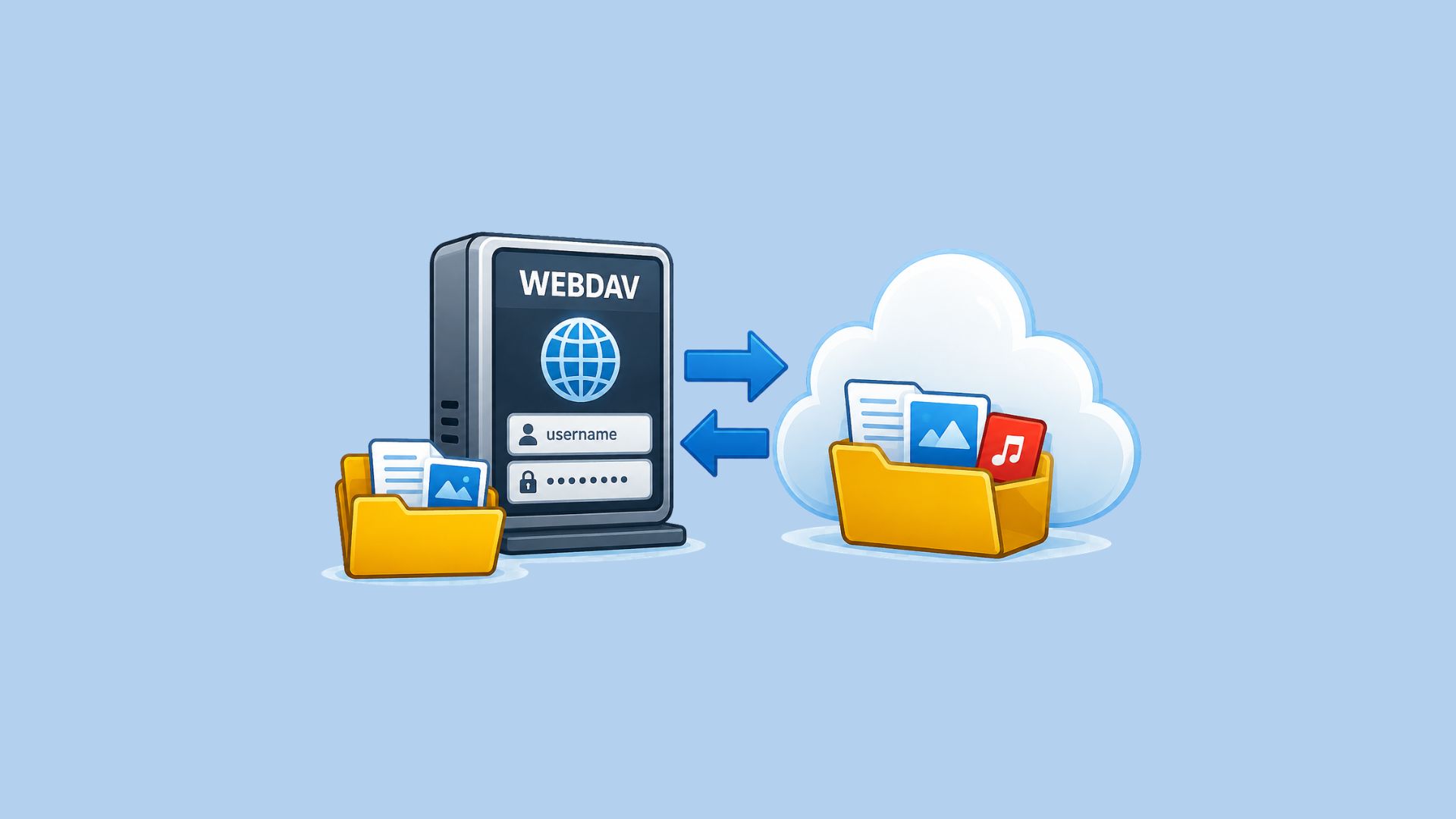
Sync, back up or mount Seedr on Synology, QNAP, TrueNAS SCALE or Unraid over WebDAV, SFTP or FTPS. Endpoints, app password and step-by-step setup.
Connect a Synology, QNAP, TrueNAS or Unraid NAS to Seedr. Choose a file service, limit folder access, configure ports and verify server identity.

We keep transferring until reaching a 1:1 ratio for standard networks or up to 12 hours. For advanced networks, the completion time and ratio depends on which plan you've purchased. Please see our paid plans for details.

Advanced networks do not include your information in the download links. You will need to download first to your computer, and then upload to Seedr. To use advanced networks Have a Pro or Master account. Download the private link to your computer. Drag and drop the link file from your computer to the Seedr file manager. Enjoy!