Watch Seedr on Roku — install from the Channel Store

Seedr is now in the Roku Channel Store. You add it like any other Roku app, sign in with your Seedr email and an app password, and your Seedr library opens on your TV. No Developer Mode, no ZIP file.
What this gets you
- Your Seedr cloud library as a proper Roku channel, ready to play your personal videos and recordings with the TV remote.
- Playback on the Roku hardware you already have, with no extra box.
- A separate app password for your TV, so your Seedr account password never goes on the Roku.
- No media server to run on your home network. Seedr is the server.
What you need
- A Roku device connected to the internet.
- A Roku account (the one your Roku is signed in to).
- A Seedr account. Free works; your plan sets the picture quality (see below).
- A phone or computer to create the app password at seedr.cc.
Install from the Roku Channel Store (recommended)
On your TV
- Press Home on your Roku remote.
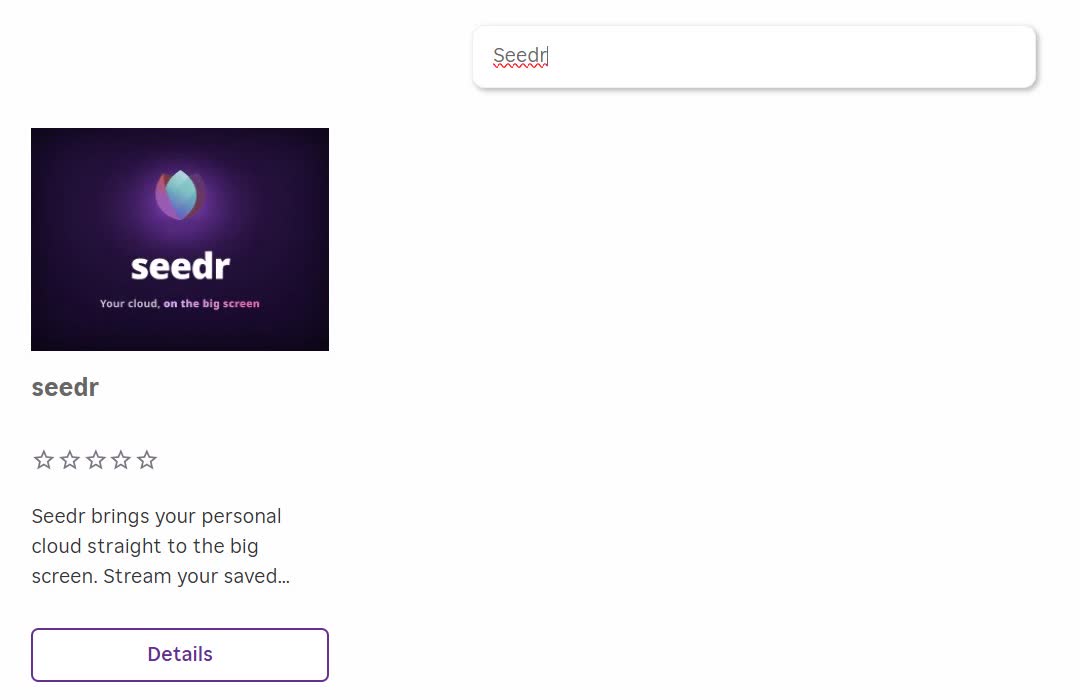
- Open Streaming Store (or Search) and type Seedr.
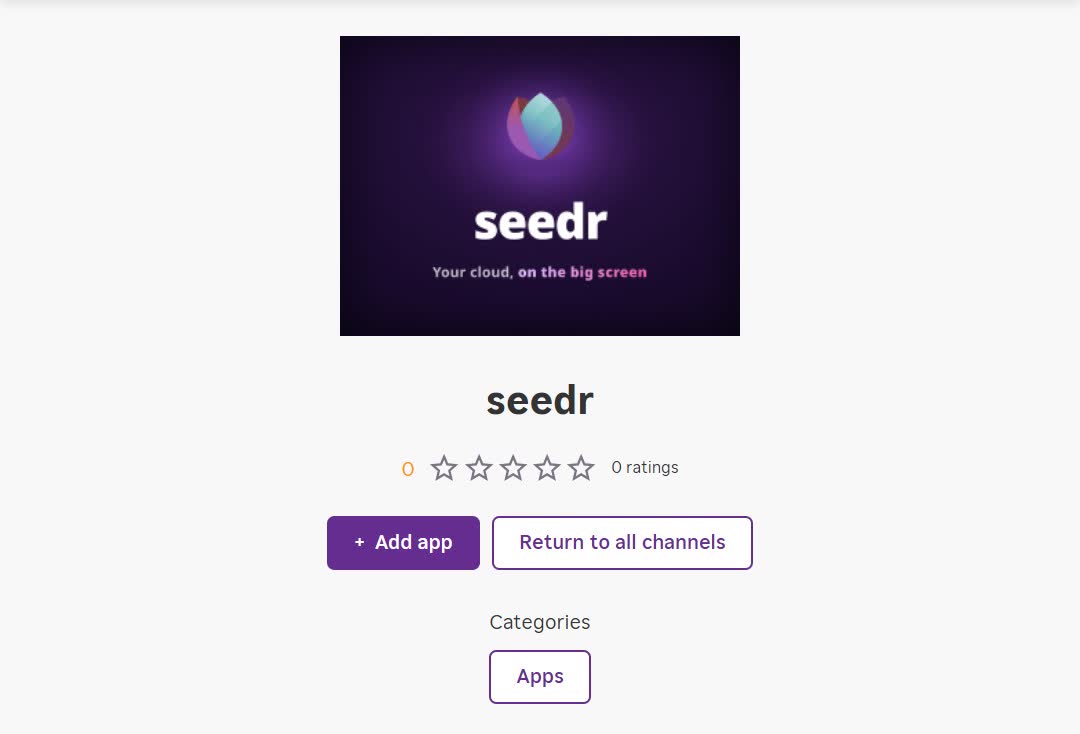
- Select Seedr and choose Add app.
Seedr appears with your other apps on the Home screen.
From a browser
- Go to channelstore.roku.com and search for Seedr.
- Open the Seedr listing and select Add app.
- Sign in with your Roku account. Seedr is added to the Roku devices linked to that account.
Create an app password and sign in
- On your phone or computer, open seedr.cc and go to Settings, then App passwords.
- Choose Add app password, name it Roku and create it. Copy it now: Seedr shows it only once.
- On the Roku, open Seedr and enter your Seedr email and that app password (it looks like XXXX-XXXX-XXXX).
- Your files and folders appear. Pick a video to play.
An app password only works for your devices. If you lose it or sell the Roku, revoke it in the same App passwords list and make another. Changing your Seedr account password revokes every app password.
Picture quality and plans
Your Seedr plan sets the highest picture on your TV: Free up to 480p, Basic HD 720p, Pro 1080p and Master 4K 2160p. 4K needs a 4K Roku. Plans are managed on seedr.cc.
Troubleshooting
- Can't find Seedr in the store. Check the spelling (Seedr), check that the Roku is online, and try the Channel Store website link above. The Streaming Store can take a moment to show new apps.
- Sign-in fails. Use your Seedr email and the app password, not your account password. If you lost the password, revoke it and create a new one in Settings, App passwords.
- Video plays but stutters. You are probably on weak Wi-Fi. Move the router closer, use Ethernet if your Roku has a port, or pick a lower quality in the Seedr player.
What works well and what does not
Works well:
- Home rows with Continue Watching, folder navigation and resume across sessions.
- Video, music and photo playback, audio track switching and subtitles (embedded, or .srt/.vtt files from your folder).
- The same Seedr account on Roku, web, phone and other integrations (Jellyfin, Kodi and more).
Known limits:
- Picture quality follows your plan: Free is 480p. HD and up need a paid plan.
- 4K needs a 4K Roku. Older Express and Stick models top out at 1080p.
- You get what the Roku's built-in decoder supports. If a file refuses to play, convert it to H.264 or H.265 in Seedr first.
Wrap
Add Seedr from the Roku Channel Store, create an app password, and your Seedr library is on your TV.
Unlock HD and 4K on your Roku
Was this article helpful?
Related Articles

Connect Seedr to Plex via FTP (Pro plan guide)
Set up Seedr with Plex via FTP connection. Access your cloud files in Plex for seamless media viewing.

Connect Seedr and Plex with WebDAV (Full Guide)
Connect Seedr to Plex using WebDAV. View your cloud saves directly through Plex without local storage.

Plex for Beginners: Install, Libraries, and Seedr
Getting started with Plex media server. Organize and view your entire media library across all your devices.